
Design · ZIP download
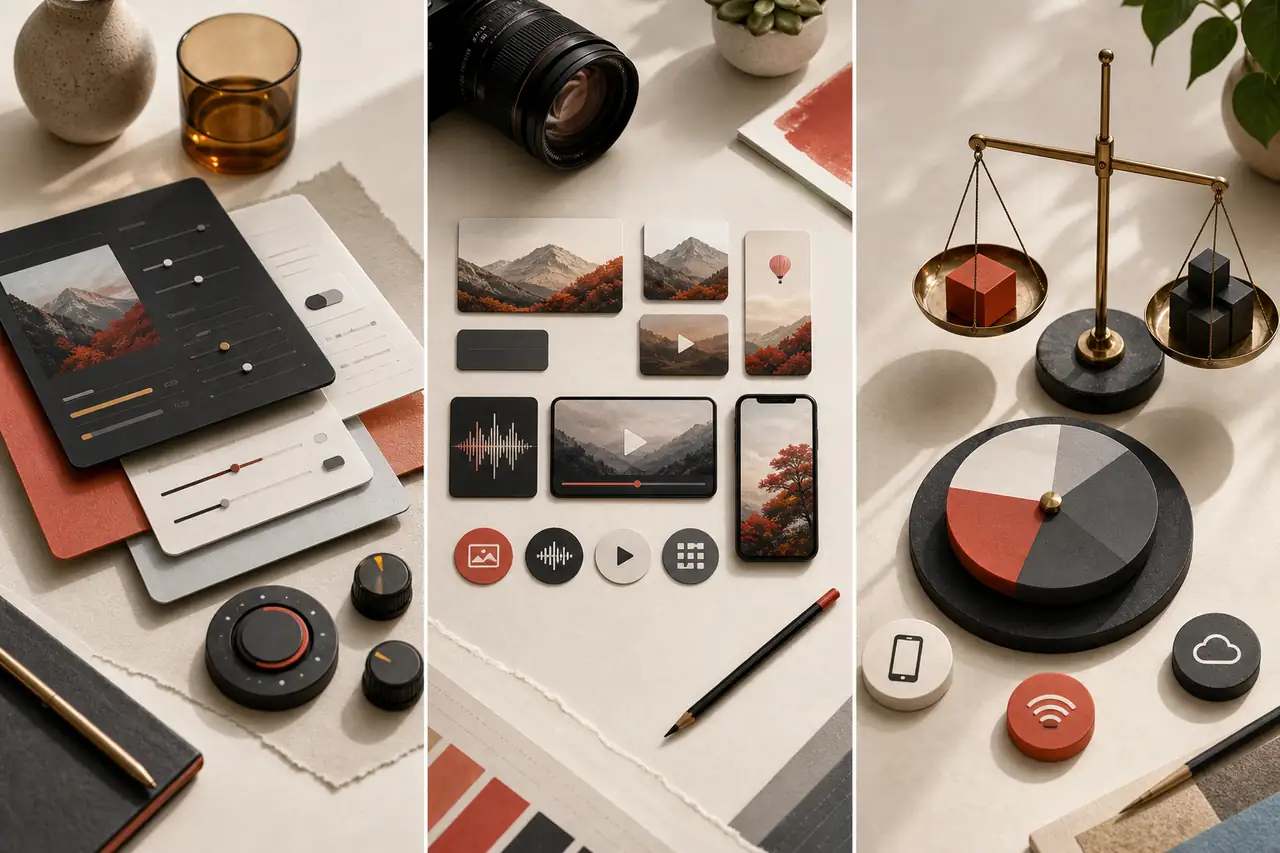
Export Settings for Creators
Lesson 1, Module 7: Export Decisions for Images, Audio, Video, and Social Platforms
Choosing the right export settings across images, audio, and video for every delivery platform.
By Courses4Anyone · Reader updated
$1.50
About Export Settings for Creators
Inside Export Settings for Creators
This zip download focuses on practical design skills you can study at your own pace.
- — Exports for images, audio, and video
- — Quality, size, and platform trade-offs
- — Downloadable lesson materials
This is a self-paced zip download for learners who want a focused introduction to design without a subscription or cohort. Use the included material as a practical reference while you work through your own projects.
Created with AI assistance.
What you receive with Export Settings for Creators
- — 34-page Reader, supplied as PDF and HTML
- — Fillable PDF workbook with 10 exercises
- — Answer key and evaluator guide for checking your work
- — Reference sheets: Module 7 Decision Matrix; Module 7 Quick Reference
- — 10 practice files (MP3, WAV, CSV, PNG, TIF, JPG, TXT, MP4) made for the exercises
Topics covered in Export Settings for Creators
- Treat export as a design decision, not a button
- Read delivery specifications
- Prepare and check your project before export
- Choose export settings for still images
- Export graphics, logos and transparency correctly
- Export audio for different uses
- Export video for web and social
- Understand social platform requirements
- Export for broadcast, cinema and festivals
- Choose resolution and scaling methods
- Manage colour, range and HDR in export
- Create captions, subtitles and accessibility deliverables
- Set naming, folders and packaging
- Run quality control on exports
The practice project
Create a destination-first export plan for image, audio and video masters plus platform deliveries. Verify every exported file and record the date of any platform specification research.
Access Export Settings for Creators
Buy once and receive a private download link by email after payment. If you need it again later, you can request a fresh link using the email address from checkout.
Related guides you may like
- Professional YouTube Thumbnails in Photoshop
- Lesson 1, Module 3: Formats, Codecs, Containers, and Compression
- Lesson 2, Module 5: Audio Essentials for Video Editors
- Lesson 2 Complete Pack: Raster & Video Editing: Tool Fluency
- Visual Storytelling for Social Media: Composition, Sequence & Attention
- Lesson 1, Module 2: Video as Images Over Time
See every title in Design courses and guides.