
Design · ZIP download
Video Frames and Frame Rates
Lesson 1, Module 2: Video as Images Over Time
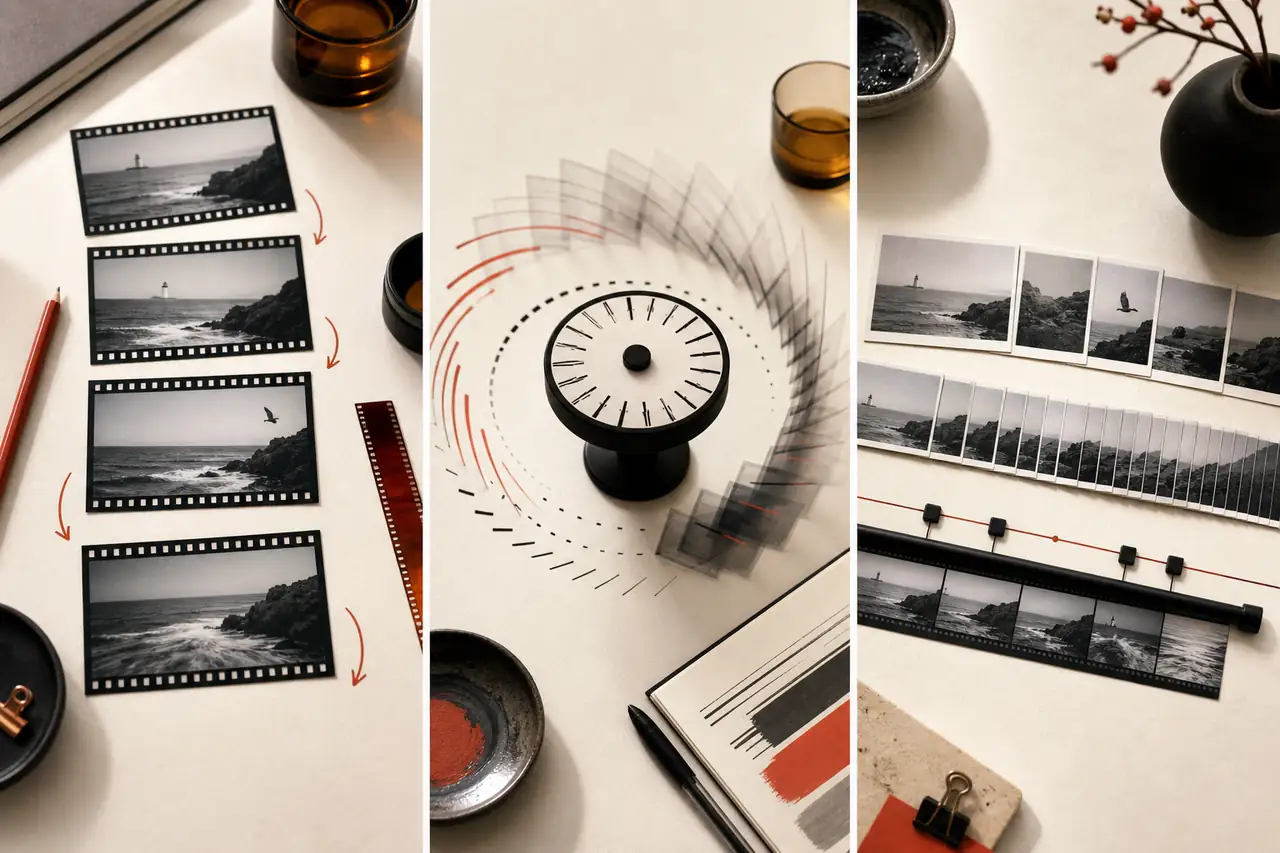
Extending image fundamentals into motion: frames, frame rate, and how video builds on still-image concepts.
By Courses4Anyone · Reader updated
$1.50
About Video Frames and Frame Rates
Inside Video Frames and Frame Rates
This zip download focuses on practical design skills you can study at your own pace.
- — Frames and frame rate
- — How still-image concepts extend to video
- — Downloadable lesson materials
This is a self-paced zip download for learners who want a focused introduction to design without a subscription or cohort. Use the included material as a practical reference while you work through your own projects.
Created with AI assistance.
What you receive with Video Frames and Frame Rates
- — 30-page Reader, supplied as PDF and HTML
- — Fillable PDF workbook with 10 exercises
- — Answer key and evaluator guide for checking your work
Topics covered in Video Frames and Frame Rates
- See video as a sequence of still images
- Understand frame rate
- Understand resolution and aspect ratio
- Learn about pixel aspect ratio and frame size terms
- Understand interlaced and progressive video
- Learn about shutter speed, motion blur and the 180-degree rule
- Understand timecode and time measurements
- Learn how video is compressed in time
- Understand bit rate and quality in video
- Learn about colour in video
- Understand audio as time-based data
- Keep picture and sound in sync
- Understand how playback and editing software handle time
- Convert frame rates and conform footage
Access Video Frames and Frame Rates
Buy once and receive a private download link by email after payment. If you need it again later, you can request a fresh link using the email address from checkout.
Related guides you may like
- Professional YouTube Thumbnails in Photoshop
- Lesson 1, Module 3: Formats, Codecs, Containers, and Compression
- Lesson 1, Module 7: Export Decisions for Images, Audio, Video, and Social Platforms
- Lesson 1 Complete Pack: Digital Image and Video Editing Fundamentals
- Lesson 2, Module 3: Non-Linear Video Editing Essentials
- Lesson 2, Module 4: Color Correction Fundamentals
See every title in Design courses and guides.