
Design · ZIP download
Video Timeline Editing Guide
Lesson 2, Module 3: Non-Linear Video Editing Essentials
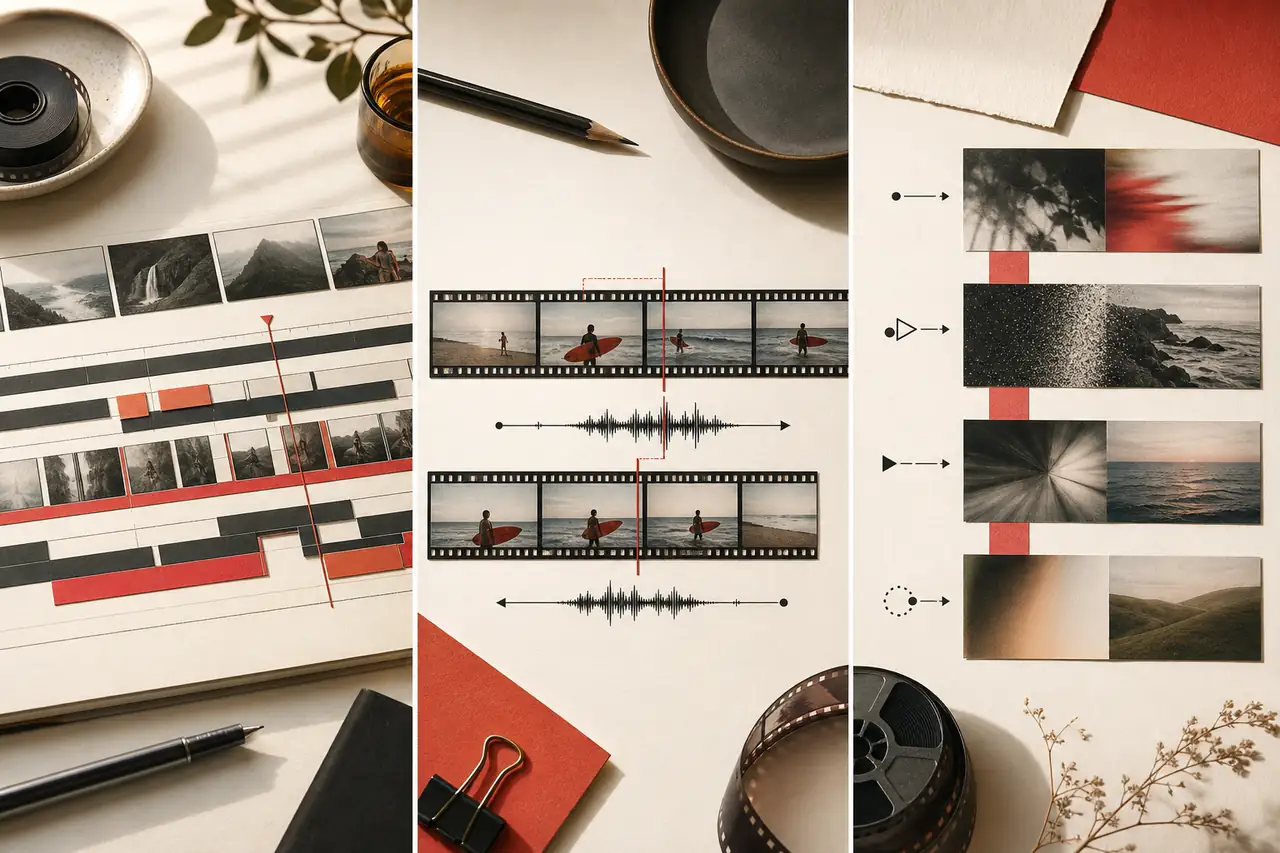
Move from stills to motion: arrange, trim, and connect clips on a real editing timeline, covering tracks, ripple editing, J-cuts and L-cuts, and transitions.
By Courses4Anyone · Reader updated
$1.50
About Video Timeline Editing Guide
Inside Video Timeline Editing Guide
This zip download focuses on practical design skills you can study at your own pace.
- — Tracks, timelines, and trimming
- — Ripple editing, J-cuts, and L-cuts
- — Transitions that support the edit
This is a self-paced zip download for learners who want a focused introduction to design without a subscription or cohort. Use the included material as a practical reference while you work through your own projects.
Created with AI assistance.
What you receive with Video Timeline Editing Guide
- — 31-page Reader, supplied as PDF and HTML
- — Fillable PDF workbook with 10 exercises
- — Answer key and evaluator guide for checking your work
- — Reference sheets: Transition Decision Checklist; Timeline Editing Quick Reference
- — 5 practice files (JPG, TXT, CSV, PNG) made for the exercises
Topics covered in Video Timeline Editing Guide
- Understand non-linear editing
- Set up a project with correct settings
- Import, organise and review media
- Learn the interface and panels
- Navigate the timeline
- Build an assembly edit
- Use three-point editing, insert and overwrite
- Trim precisely
- Cut on action and pace the edit
- Work with audio in the timeline
- Use transitions with purpose
- Create titles, lower thirds and graphics
- Apply speed changes, freeze frames and reframing
- Work with multiple cameras and nested sequences
The practice project
Practice Assembly Brief Using clip_a_practice_source.jpg and clip_b_practice_source.jpg as stand-ins for real footage stills, build a short mock timeline plan: 1. Place Clip A on track V1 starting at 00:00:00:00. 2. Trim Clip A's out-point to leave roughly one second of extra footage at its tail. 3. Place Clip B immediately after, then drag it left to overlap Clip A by about 15 frames to create a transition. 4. Add a title card on a second video track (V2) above the transition point. 5. Note your planned in/out points and track assignments in a copy of timeline_edit_log.csv.
Access Video Timeline Editing Guide
Buy once and receive a private download link by email after payment. If you need it again later, you can request a fresh link using the email address from checkout.
Related guides you may like
- Professional YouTube Thumbnails in Photoshop
- Lesson 1, Module 2: Video as Images Over Time
- Lesson 1, Module 3: Formats, Codecs, Containers, and Compression
- Lesson 1, Module 7: Export Decisions for Images, Audio, Video, and Social Platforms
- Lesson 1 Complete Pack: Digital Image and Video Editing Fundamentals
- Lesson 2, Module 4: Color Correction Fundamentals
See every title in Design courses and guides.