
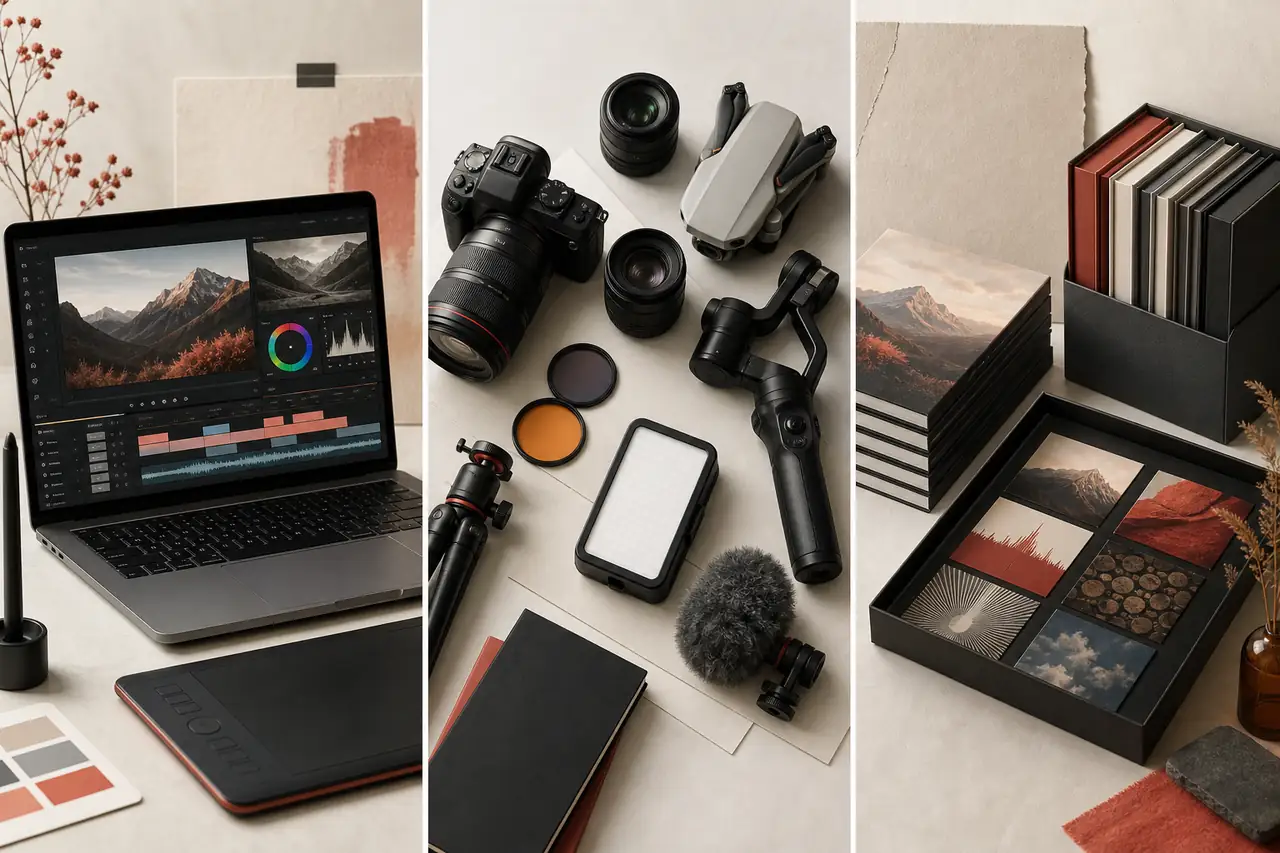
Design · ZIP download
Raster and Video Editing Pack
Lesson 2 Complete Pack: Raster & Video Editing: Tool Fluency
All 5 modules of Lesson 2 in one bundle — retouching and compositing, non-linear video editing, color correction, and audio essentials.
By Courses4Anyone · Reader updated
$5.00
About Raster and Video Editing Pack
Inside Raster and Video Editing Pack
This zip download focuses on practical design skills you can study at your own pace.
- — Every Lesson 2 module in one download
- — Raster, video, color, and audio skills
- — Better value than buying modules separately
This is a self-paced zip download for learners who want a focused introduction to design without a subscription or cohort. Use the included material as a practical reference while you work through your own projects.
Created with AI assistance.
What you receive with Raster and Video Editing Pack
- — 32-page Reader, supplied as PDF and HTML
- — Fillable PDF workbook with 10 exercises
- — Answer key and evaluator guide for checking your work
- — Reference sheets: Audio Problem Diagnostic Checklist; Audio Tools Quick Reference
- — 23 practice files (TXT, CSV, PNG, SVG, JPG) made for the exercises
Topics covered in Raster and Video Editing Pack
- Understand what tool fluency means
- Learn any editing program quickly
- Recognise the shared interface patterns
- Master shortcuts, gestures and customisation
- Work non-destructively across tools
- Review raster essentials: selections, layers and masks
- Review retouching and compositing
- Review video editing: timeline, trimming and transitions
- Review colour correction in practice
- Review audio for video
- Move work between programs
- Combine raster and video work
- Manage performance and hardware
- Keep consistency with templates and presets
The practice project
Audio Cleanup Practice Brief Using a practice voice recording of your own (or any short spoken clip): 1. Identify a noise-only gap and note where it is. 2. Describe what background noise you'd expect Noise Reduction to help with in this recording, and what kind of noise it would NOT help with. 3. Describe the order you'd apply Noise Reduction, Compressor, and Normalize/Loudness Normalization, and why that order matters. 4. Record your plan in a copy of audio_practice_log.csv.
Access Raster and Video Editing Pack
Buy once and receive a private download link by email after payment. If you need it again later, you can request a fresh link using the email address from checkout.
Related guides you may like
- Lesson 1, Module 3: Formats, Codecs, Containers, and Compression
- Lesson 1, Module 7: Export Decisions for Images, Audio, Video, and Social Platforms
- Lesson 2, Module 5: Audio Essentials for Video Editors
- Professional YouTube Thumbnails in Photoshop
- Lesson 1, Module 2: Video as Images Over Time
- Lesson 1 Complete Pack: Digital Image and Video Editing Fundamentals
See every title in Design courses and guides.