
Video Production · PDF guide
Video Editing 101 Course
Video Editing 101
A beginner's course from first cut to final export: project setup, cutting techniques, audio, color, and platform-ready delivery.
By Courses4Anyone · Reader updated
$1.50
About Video Editing 101 Course
Inside Video Editing 101 Course
This pdf guide focuses on practical video production skills you can study at your own pace.
- — Project setup and first cuts
- — Audio, color, and pacing
- — Exports for real platforms
This is a self-paced pdf guide for learners who want a focused introduction to video production without a subscription or cohort. Use the included material as a practical reference while you work through your own projects.
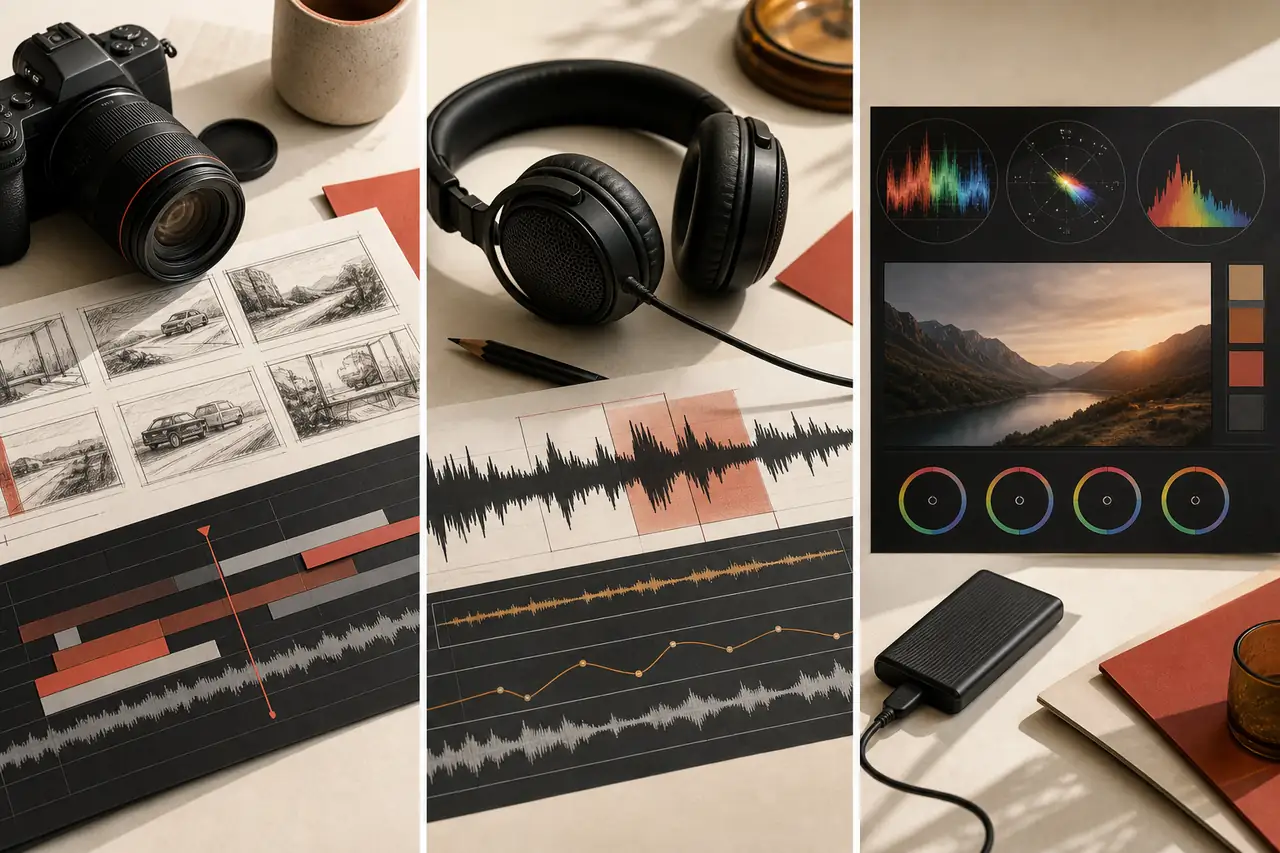
A reliable editing workflow makes creative decisions easier. Start by organizing footage, make a rough cut that tells the story, then refine pacing, audio, color, and exports in separate passes. This guide is designed to help beginners build that repeatable process, so each new project feels less like a blank timeline and more like a sequence of manageable steps.
Created with AI assistance.
What you receive with Video Editing 101 Course
- — 16-page PDF guide
Topics covered in Video Editing 101 Course
- Basics of video editing
- Software and hardware
- Setting up an editing project
- Naming and versioning
- Planning the edit
- Building a rough cut
- Cutting techniques and transitions
- Color correction and grading
- Titles and graphics
- Export and distribution
- Quality-control pass
- Platform adaptation and archiving
- Consolidation exercises and a learning roadmap
Access Video Editing 101 Course
Buy once and receive a private download link by email after payment. If you need it again later, you can request a fresh link using the email address from checkout.
Related guides you may like
- Short-Form Video Editing: Reels, Shorts & TikToks
- Motion Graphics for Social Video: Titles, Captions & Visual Systems
- Video Storytelling Fundamentals: Structure, Pacing & Emotional Clarity
- YouTube Growth Fundamentals: Topics, Retention & Packaging
- Professional YouTube Thumbnails in Photoshop
- Lesson 1, Module 7: Export Decisions for Images, Audio, Video, and Social Platforms
See every title in Video Production courses and guides.