
Design · ZIP download
Raster Editing: Layers and Selections
Lesson 2, Module 1: Raster Editing Essentials I — Workspace, Selections, and Layers
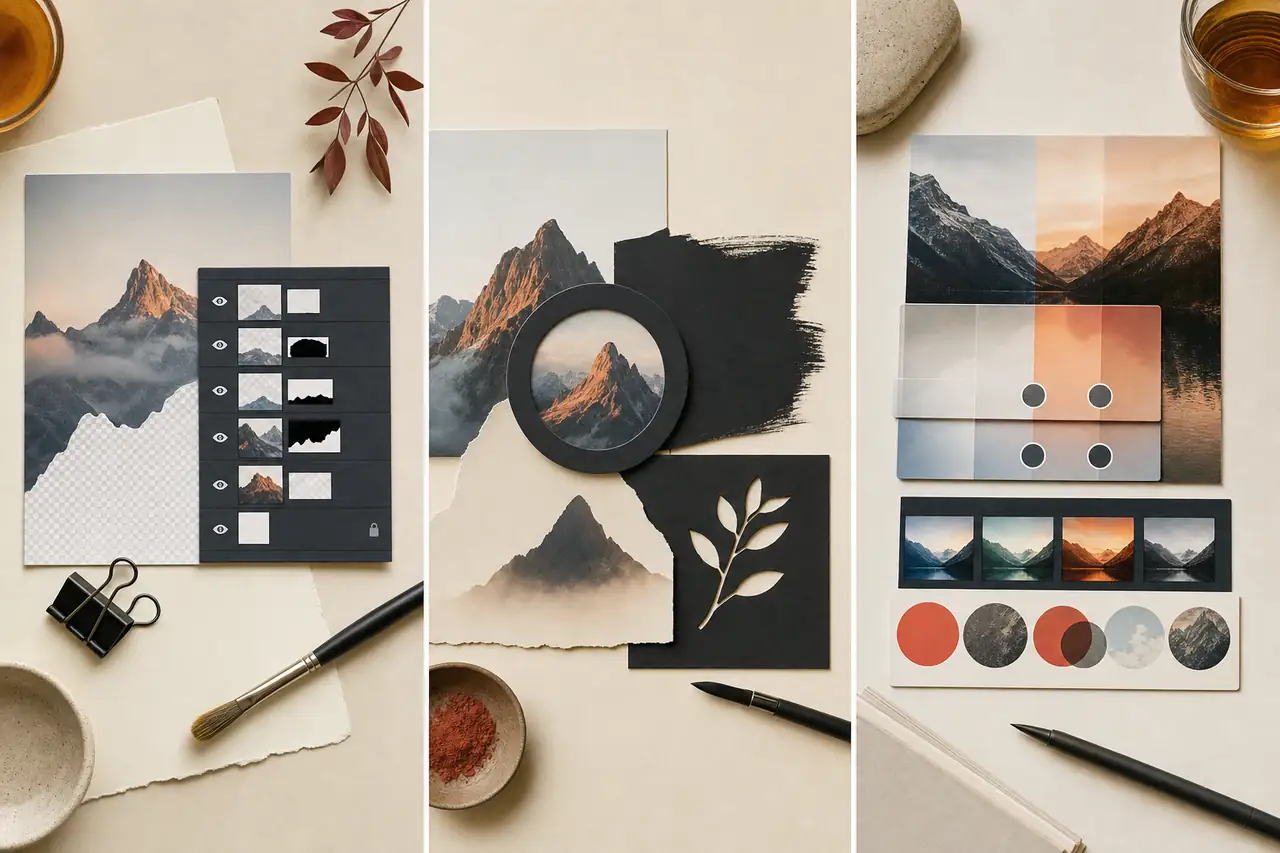
The tool-agnostic fundamentals every raster editor shares: workspace orientation, six selection approaches, and deep layer mechanics including blend modes, masks, and adjustment layers.
By Courses4Anyone · Reader updated
$1.50
About Raster Editing: Layers and Selections
Inside Raster Editing: Layers and Selections
This zip download focuses on practical design skills you can study at your own pace.
- — Workspace, selections, and layers
- — Blend modes, masks, and adjustments
- — Downloadable lesson materials
This is a self-paced zip download for learners who want a focused introduction to design without a subscription or cohort. Use the included material as a practical reference while you work through your own projects.
Created with AI assistance.
What you receive with Raster Editing: Layers and Selections
- — 33-page Reader, supplied as PDF and HTML
- — Fillable PDF workbook with 10 exercises
- — Answer key and evaluator guide for checking your work
- — Reference sheets: Blend Modes Masks Quick Reference; Selections Layers Quick Reference
- — 5 practice files (CSV, SVG, JPG, PNG) made for the exercises
Topics covered in Raster Editing: Layers and Selections
- Get oriented in the raster editing workspace
- Create, open and set up documents
- Navigate: zoom, pan and view modes
- Learn the toolset and tool options
- Use shortcuts and efficient habits
- Understand selections
- Make selections with geometric and freehand tools
- Make selections by colour and content
- Refine edges, feather and use quick mask
- Understand layers
- Organise layers: groups, order and linking
- Use layer masks
- Use clipping masks and layer styles
- Use blend modes and opacity
Access Raster Editing: Layers and Selections
Buy once and receive a private download link by email after payment. If you need it again later, you can request a fresh link using the email address from checkout.
Related guides you may like
- Visual Storytelling for Social Media: Composition, Sequence & Attention
- Brand Systems for Creators: Color, Type & Consistent Visual Identity
- Professional YouTube Thumbnails in Photoshop
- Photoshop Course — Lesson 1, Module 0: How Digital Editing Workflows Function
- Lesson 1, Module 1: Digital Images as Data
- Lesson 1, Module 2: Video as Images Over Time
See every title in Design courses and guides.